







- Make sure Bluetooth is on and your iPhone is up to date.
- Wake the card: press and hold its button for about 3 seconds until it beeps.
- Open the Find My app, tap +, then Add Other Item.
- Hold the card next to your phone and follow the prompts to name it.
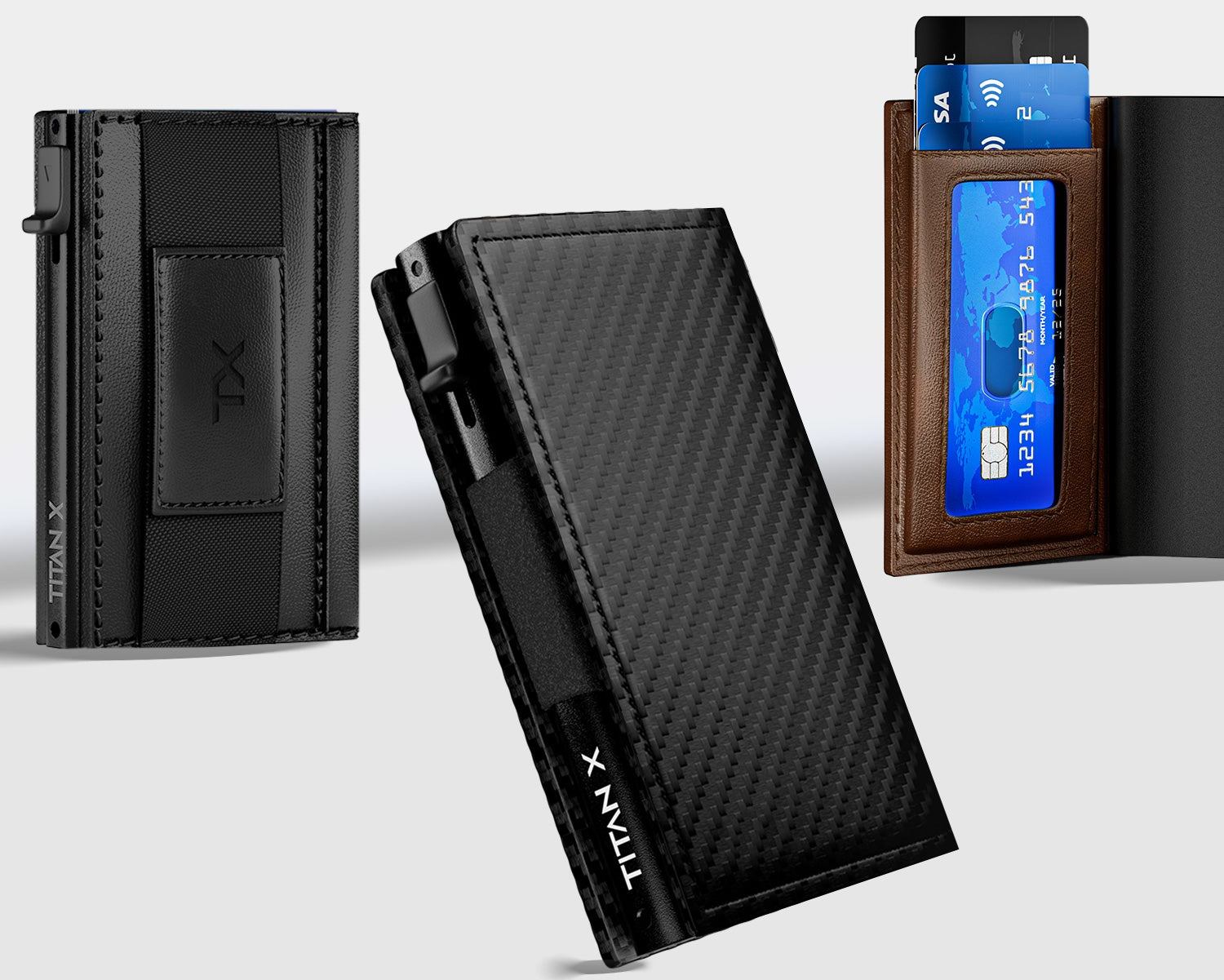
- Slide the card into the back slot of your wallet.
How do I set up my Finder Card on iPhone?
Related articles
Still need help
Can't find what you are looking for? Contact us below and we will take care of your request within 1 business day.