







| Wallet | Cards | Cash | AirTag slot |
|---|---|---|---|
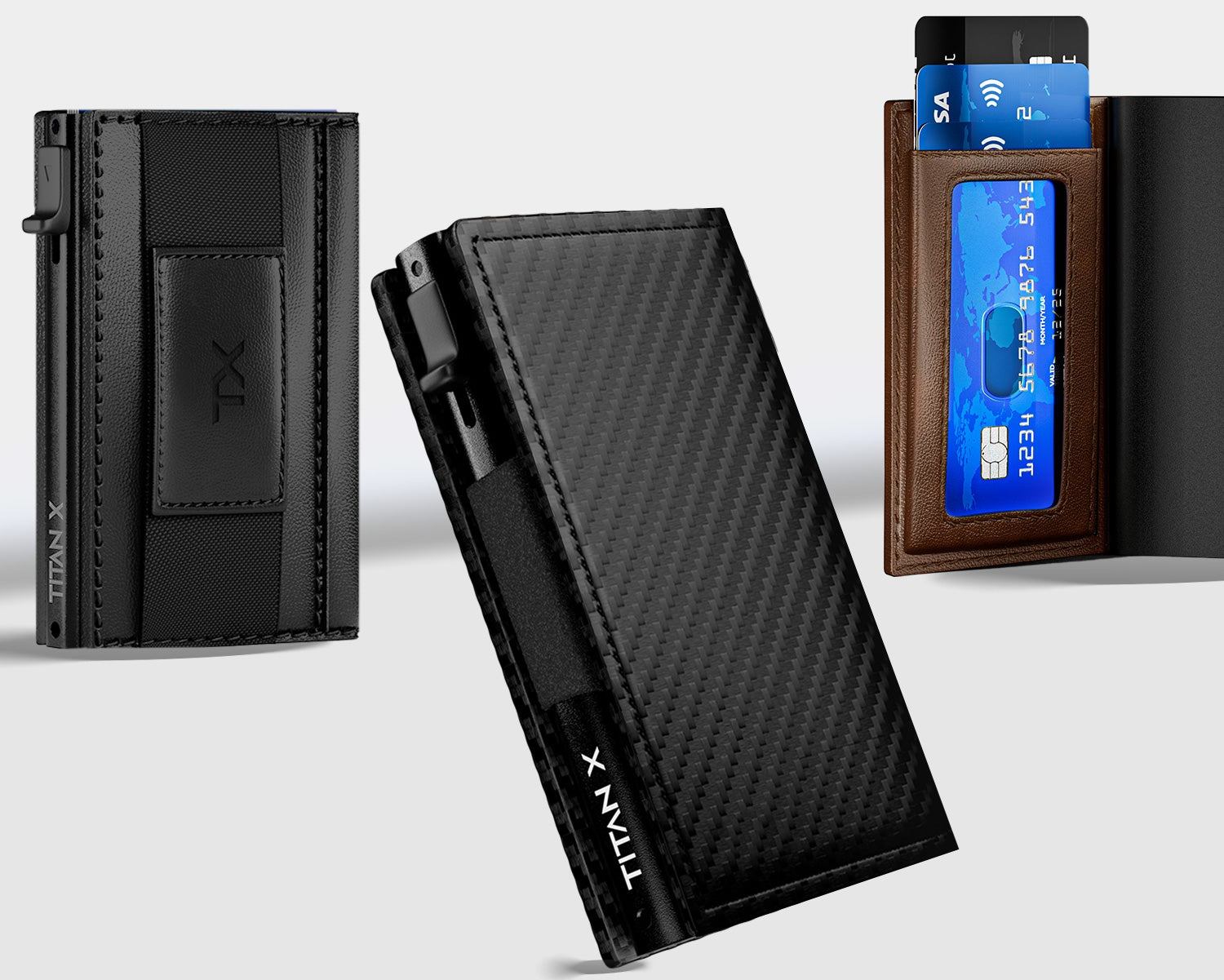
| Trifold Edition | Up to 12 | Inner cash compartment | No |
| AirTag Trifold Edition | Up to 12 | Inner cash compartment | Yes (AirTag not included) |
| Trifold Edition PRO | Up to 12 | External money clip + Inner cash compartment | No |
| Bifold Edition | Up to 10 | Money band | No |
| Pro Edition / Pro Slide | Up to 14 | Money clip or cash strap | Yes if Airtag version |
| Hybrid Edition 3-in-1 | Up to 12 (6 in the case + 6 in the expansion) | Cash band | Yes |
| Ultraslim (MagSafe) | Up to 7 | Cash strap | No |
How to load your cards so they eject smoothly
- Stack up to 6 of your cards neatly with all edges lined up.
- Slide the stack into the metal case until it sits flat at the bottom.
- Put your most-used card at the front (or back, depending on your model) so it fans out first.
- Push the lever or slider all the way. The cards should rise in a staggered fan.
- Don't go over capacity. An overfilled case puts pressure on the spring and the closure, which is the most common cause of a stuck or broken mechanism.